

Table of Contents
Install Xtreme HD IPTV on Firestick is the ultimate solution if you want a fast, reliable, and high-quality IPTV setup on your Amazon Fire TV device. This guide shows you exactly how to install Xtreme HD IPTV using the best IPTV players such as TiviMate Premium, Smarters Pro, IBO Player Pro, XCIPTV, and Hot Player—making the entire installation process simple and beginner-friendly.
Xtreme HD IPTV delivers 4K/HD channels, movies, series, and live sports with excellent stability and smooth playback. Follow the step-by-step instructions below and start streaming your favorite content within minutes.
⭐ Why Use Xtreme HD IPTV on Firestick?
Firestick is one of the most popular streaming devices because it is fast, affordable, and supports all major IPTV apps. Xtreme HD IPTV delivers:
✔ Stable 99% uptime
✔ Fast channel zapping
✔ Smooth 4K & HD streaming
✔ Works on all Firestick models
✔ Easy setup with M3U or Xtream Codes
⭐ Best IPTV Players for Firestick (Recommended)
Below are the best and most stable players for Xtreme HD IPTV, along with their Downloader Codes for fast installation.
| IPTV Player | Downloader Code | Notes |
|---|---|---|
| TiviMate Premium | 6509152 | Best UI & features |
| IBO Player Pro | 9541272 | Fast, smooth & stable |
| Smarters Pro Premium | 1035607 | Easy to use |
| Hot Player | APK direct | Lightweight player |
| XCIPTV Player | Store / APK | Great for live TV |
⭐ Step 1: Enable Apps From Unknown Sources
Before installing any IPTV app, you need to allow third-party installations.
- Open Settings
- Go to My Fire TV
- Select Developer Options
- Turn ON:
- ADB Debugging
- Apps from Unknown Sources
⭐ Step 2: Install the Downloader App
- On your Firestick home screen, click Search
- Type Downloader
- Install the app (orange icon)
- Open Downloader and allow permissions
This app will be used to install your IPTV player.
⭐ Step 3: Install Your IPTV Player (Using Downloader Code)
Choose one of the IPTV players below and install it using the Downloader code.
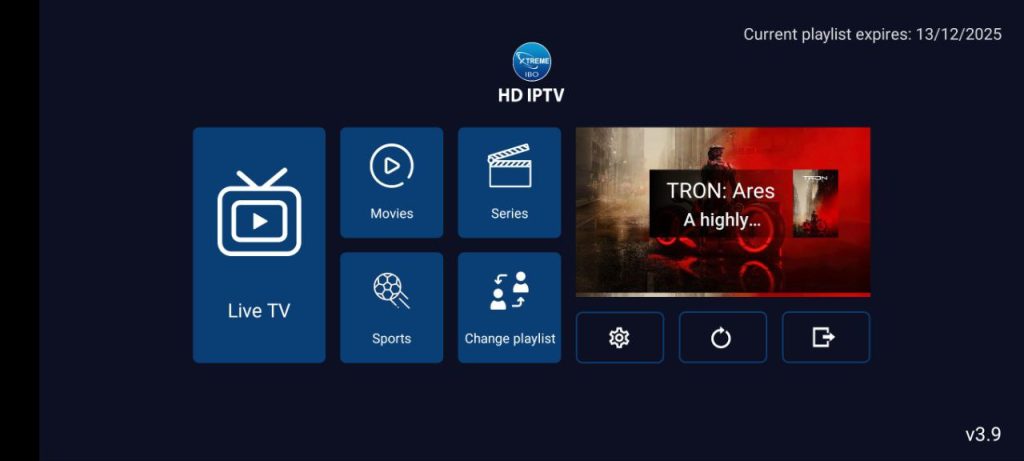
✔ IBO Player Pro
- Open Downloader
- Enter code: 9541272
- Install IBO Player Pro
✔ Smarters Pro Premium
- Open Downloader
- Enter code: 1035607
- Install Smarters Pro
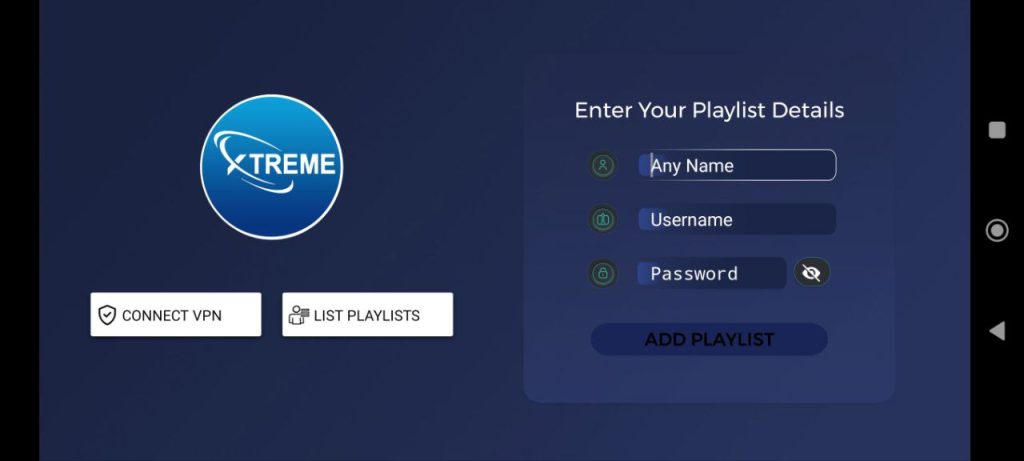
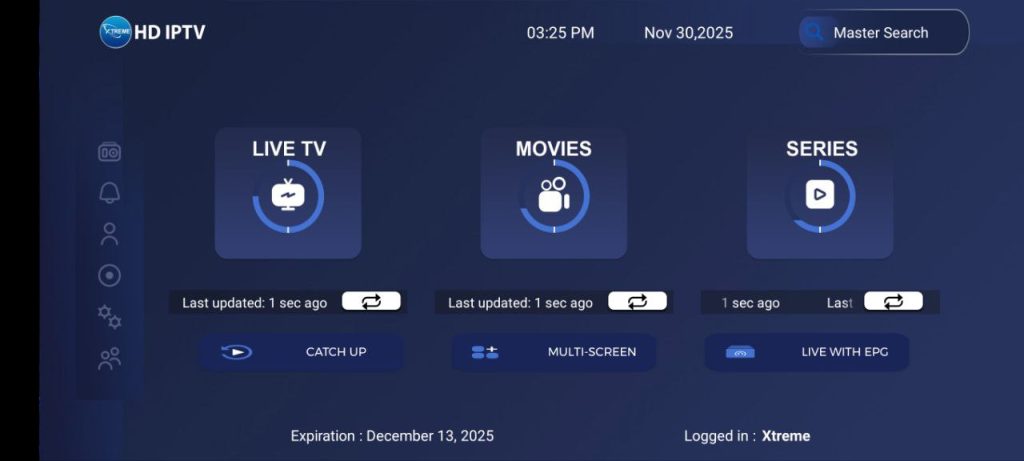
- Install Smarters Pro
✔ TiviMate Premium
- Open Downloader
- Enter code: 6509152
- Install TiviMate
- Open the app
✔ HOT Player
- Enter the provided link or code (APK)
- Install the application
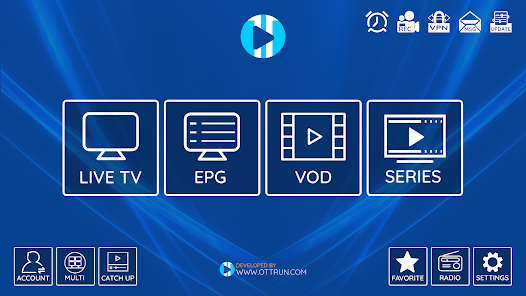
✔ Hot Player
- Enter the provided link or code (APK)
- Install the application

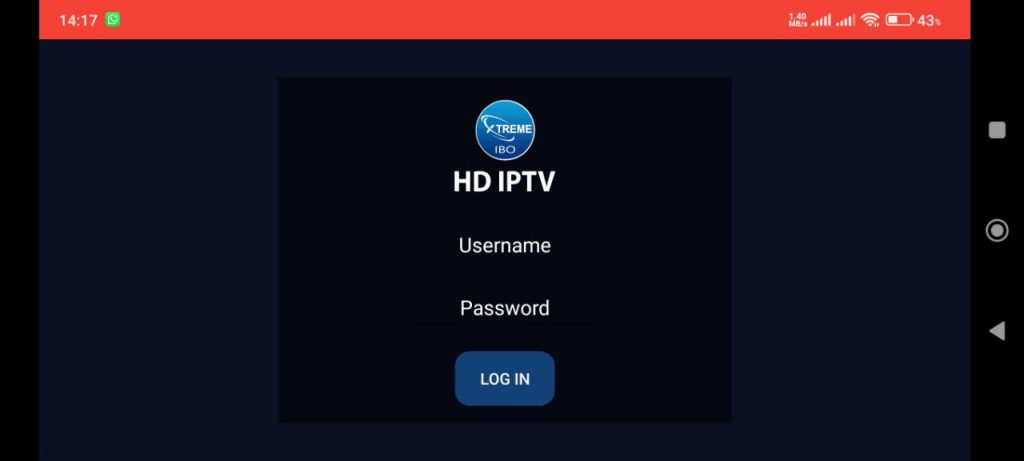
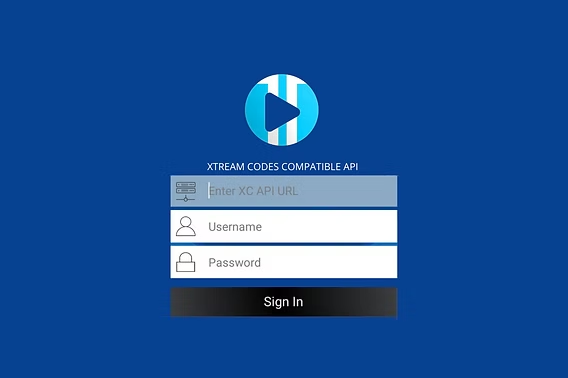
⭐ Step 4: Add Your Xtreme HD IPTV Login
You can log into your IPTV player using Xtream Codes API or M3U Playlist.
Option 1: Xtream Codes Login
- Server URL:
*********** - Username: your IPTV username
- Password: your IPTV password
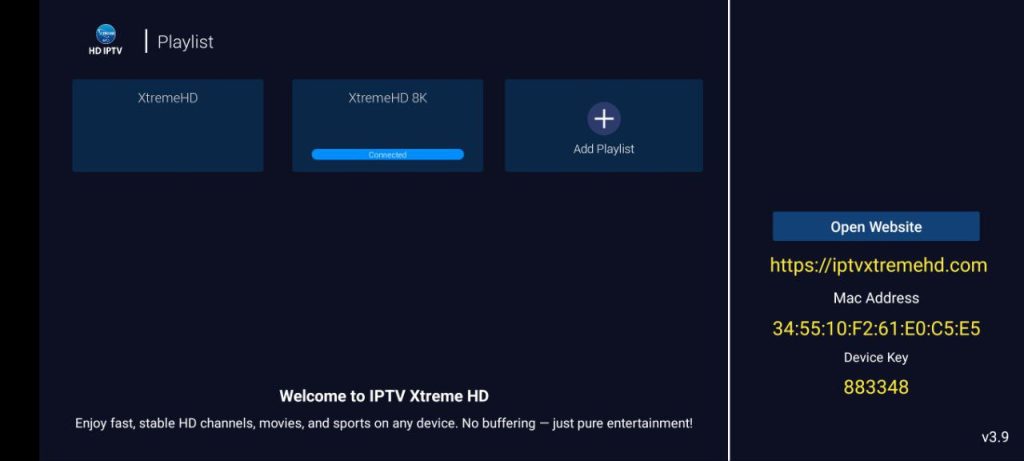
⭐ Step 5: Load Channels and Enjoy
After entering your details:
✔ Live TV will load
✔ Movies & series will appear
✔ EPG/TV Guide will sync
✔ Your Firestick is now ready to stream
Xtreme HD IPTV is now fully installed on your Firestick.
If you see an “Authorization Failed” message, verify your details, as it’s often due to a typo. If you’re still encountering issues, try disabling your VPN.
Conclusion:
Now you know how to Set Up IPTV on Firestick and can start streaming live TV channels. If you have any issues or need further help, reach out via WhatsApp. Happy streaming!
⭐ Need Help or Subscription?
📌 Official Website: https://iptvxtremehd.com
📌 WhatsApp Support: https://wa.me/447446191096
We provide fast activation, 24/7 support, and the most stable IPTV experience.