

Table of Contents
Introduction
What Is IPTV Smarters Player?
Features of IPTV Smarters Player 2025
How to Install IPTV Smarters on Android Smartphone
How to Install IPTV Smarters on Android TV & Box
How to Set Up IPTV Smarters Player
Why Pair IPTV Smarters with XtremeHD IPTV?
Final Thoughts
Table of Contents
Introduction
Looking for a simple and powerful way to watch IPTV on your Android smartphone, box, or TV?
In 2025, the IPTV Smarters pro remains one of the best IPTV apps for streaming live channels, movies, and series in HD.
In this guide, you’ll learn how to install IPTV Smarters Pro on any Android device and how to connect it with your subscription from XtremeHD IPTV for the ultimate entertainment experience.
What Is IPTV Smarters Player?
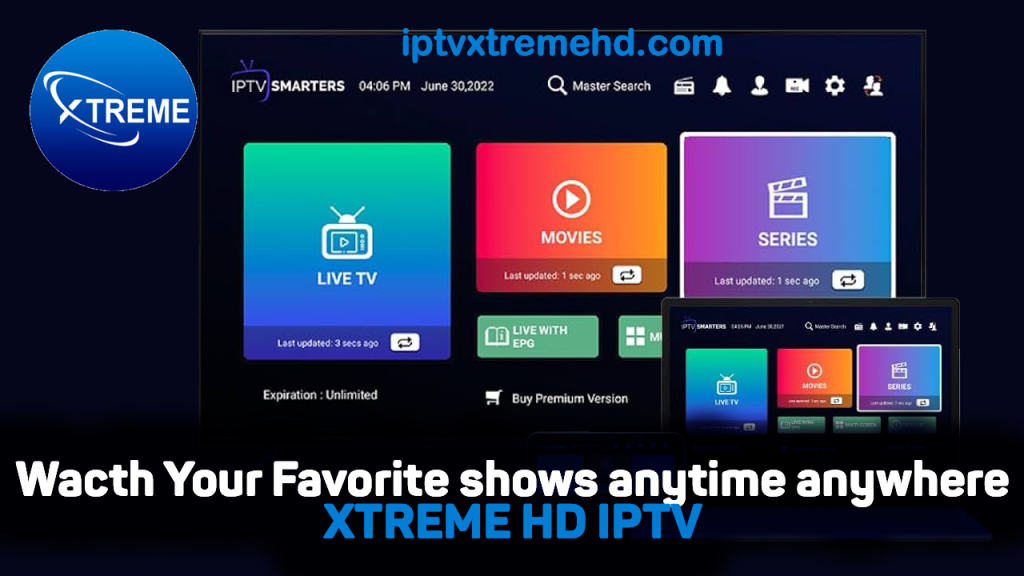
IPTV Smarters Premium is a popular media player app that allows users to stream live TV and VOD content using their IPTV credentials (Xtream Codes or M3U playlists).
👉 Important: The app does not provide or sell IPTV content. You’ll need a valid subscription such as XtremeHD IPTV to use it.
📎 Official Info: IPTV Smarters Pro on Google Play
Features of IPTV Smarters Player 2025
Here are the best features of IPTV Smarters in 2025:
- ⚡ User-Friendly Interface – Easy navigation for beginners and advanced users.
- 🎥 Supports Live TV, Movies & Series – Stream your favorite content in HD or 4K.
- 🧭 EPG Integration – Built-in TV guide for all your live channels.
- 📱 Multi-Screen Support – Watch up to 4 streams at once.
- 🧠 Catch-Up & Recording Options – Never miss a moment of your favorite shows.
- 🌐 Cross-Platform Access – Works on Android phones, tablets, and TVs.
How to Install IPTV Smarters on Android Smartphone
Follow these steps to install IPTV Smarters Player on your Android phone or tablet:
- Open the Google Play Store.
- Search for “IPTV Smarters Pro” by WHMCS Smarters.
- Tap Install and wait for the app to download.
- Once installed, open the app from your home screen.
- Accept the permissions and proceed to Add User.
That’s it — the app is ready to link with your IPTV subscription.
How to Install IPTV Smarters on Android TV & Box
Here’s how to set up IPTV Smarters Player on your Android TV or box:
- From your home screen, open the Google Play Store.
- Search for IPTV Smarters Pro.
- Select the official app and press Install.
- Launch the app once installed.
- You can also sideload the APK from:
https://www.iptvsmarters.com/smarters.apk - Open the app and proceed to add your IPTV details.
💬 Need help? Contact support anytime on WhatsApp: https://wa.link/5p4r9r
How to Set Up IPTV Smarters Player
Once the app is installed, follow these steps to connect your IPTV service:
- Open IPTV Smarters Player.
- Tap Add User → Login with Xtream Codes API.
- Enter your IPTV credentials (Username, Password, and URL).
- Click Add User to load your channel list.
- Wait a few seconds for the app to import channels and the EPG.
- Start streaming your favorite live TV, movies, and sports instantly!
Why Pair IPTV Smarters with XtremeHD IPTV?
When you pair IPTV Smarters Player with XtremeHD IPTV, you unlock the best IPTV experience available in 2025:
✅ Over 20,000+ Live Channels and VODs
✅ Fast Servers with Anti-Freeze Technology
✅ HD/4K Streaming Quality
✅ Affordable Plans & Free Trials
✅ 24/7 Technical Support via WhatsApp
Enjoy seamless performance and top-quality streams on all your Android devices.
Final Thoughts
Installing IPTV Smarters Player on your Android smartphone, box, or TV is quick and simple.
When combined with XtremeHD IPTV, it transforms your device into a complete home entertainment system.
🎯 Start streaming now: https://iptvxtremehd.com
💬 Need help or want a trial? Message us on WhatsApp: https://wa.link/5p4r9r